Key Features
Designed for Remote Workflows
Everything you need to input text into stubborn applications.
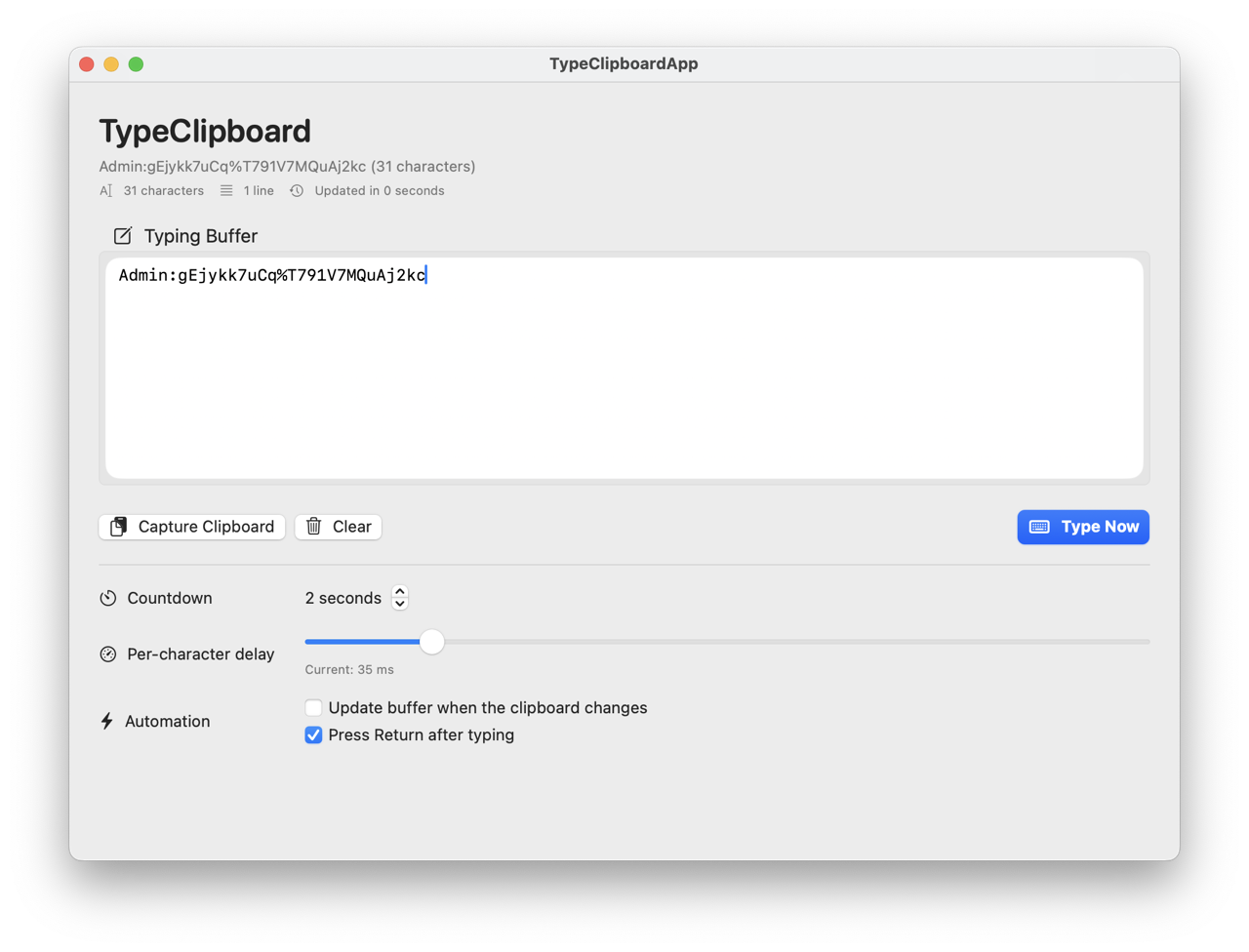
Clipboard Capture
Instantly capture your clipboard content into an editable buffer.
Adjustable Delay
Control typing speed and countdown to match target latency.
Live Typing
Simulates real keystrokes to bypass paste restrictions.
Secure Input
Works with macOS Accessibility permissions to ensure reliable input.
Remote Ready
Ideal for VNC, RDP, Citrix, and virtual machine consoles.
Customizable
Toggle auto-capture, trailing Return key, and more.
How it Works
Three simple steps to type anywhere.
1
Capture
Copy text to your clipboard and click Capture in TypeClipboard.
2
Prepare
Set your delay and countdown. Focus the target window.
3
Type
Click Type Now. The app will type your text automatically.